
De-Fanging Gmail
A hacker does not need your bank password. They just need your Gmail...

This information seems to have originally appeared on X where it has been widely distributed, and I think it’s very important. I’m posting it here for the benefit of those who do not socialize on X. People, you gotta realize how dangerous Gmail can be in terms of your information being leaked to others, your privacy compromised. Once it’s gone, it’s gone. Period. You can take steps NOW to protect your accounts.
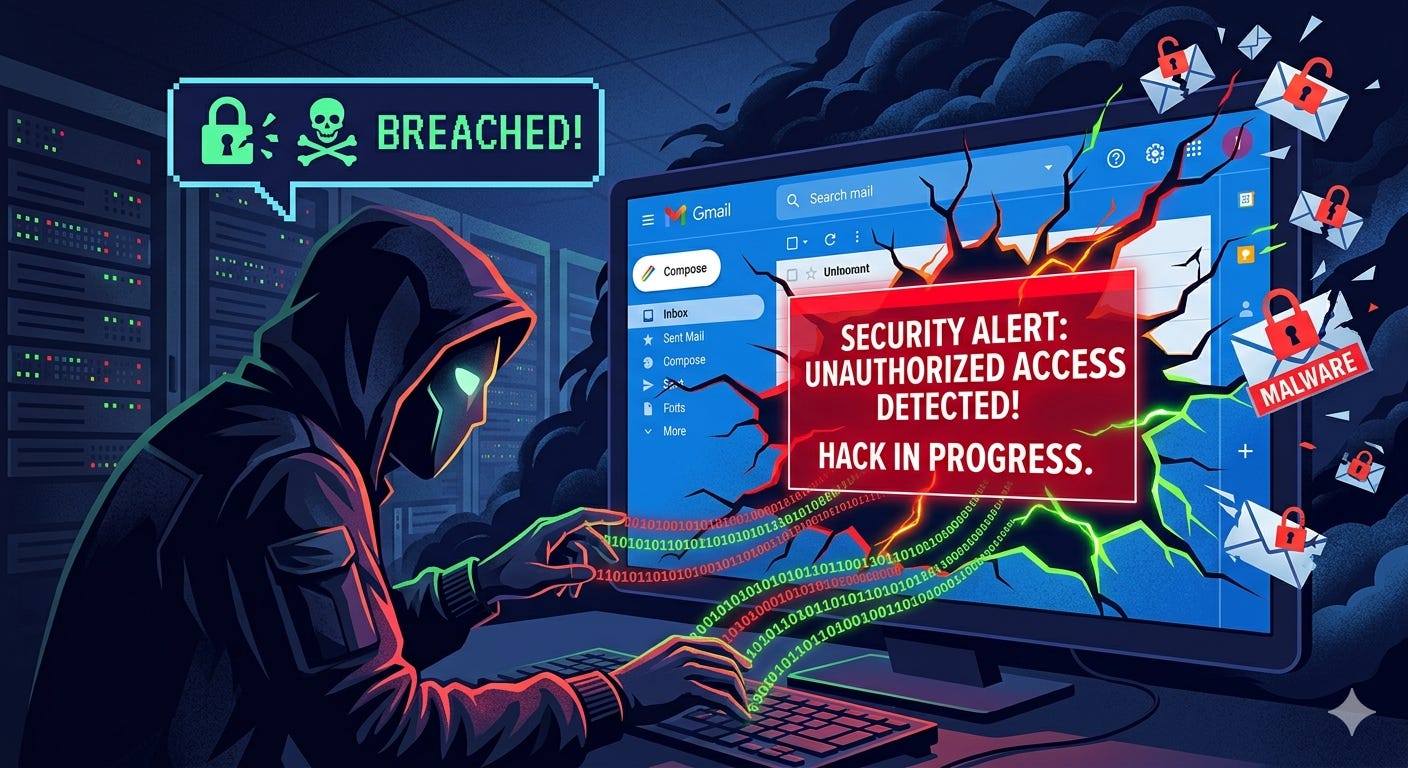
Through Gmail, hackers can reset everything. Bank, Apple ID, crypto, PayPal.
Your Gmail is the master key to your life. Lock it down in 10 minutes:
Step 1: Activate Advanced Protection.
Go to myaccount.google.com/security and enable it.
It demands a physical security key or passkey to sign in. No key, no entry, even with your password in hand. This one switch blocks the vast majority of account takeovers.
Step 2: Audit your recovery options.
Same page. Check your recovery phone, recovery email, and the devices with access.
Anything old, unused, or unfamiliar is a back door someone could already be holding. Remove everything you do not recognize.
Step 3: Abandon and cut ties with forgotten apps.
Go to myaccount.google.com/permissions.
You will find apps wired into your Gmail from years ago that you have not touched since. Every one is a way in. Revoke anything you do not actively use today.
Step 4: See who is logged in right now.
Go to myaccount.google.com/device-activity.
A device or location you do not recognize means someone is already inside. Hit sign out of all other sessions, then change your password before they lock you out first.
Step 5: Stop using text messages for 2FA.
A SIM swap takes a scammer 20 minutes and a bribe to a phone-shop worker, and your codes are theirs.
Move to an authenticator app like Authy or Google Authenticator, or better, a physical key.
Step 6: Put your recovery email on a different provider.
Your Gmail’s backup address should not be another Gmail.
Make a free Proton Mail account and set it as your recovery email. If your Gmail ever falls, you still hold a clean inbox the attacker cannot reach.
Step 7: Give every account its own password.
If your Gmail password is reused anywhere else, one leak hands them everything.
Use Bitwarden, 1Password, or Dashlane. Let it generate a different password for every account, and never reuse one again.
Your inbox is the one account that unlocks all the others.
Most people protect their bank and leave the master key sitting in the open.
Spend the 10 minutes today. Then send this to someone whose whole life runs through one Gmail.
These tips appeared to have originated with one Aria Westcott, who writes “If you enjoyed this, please:
Like, Bookmark and Repost the first tweet to your audience.
Follow @AriaWestcott for more” …. If that is not correct, and someone else would like to claim responsibility for creating this packet of instructions, please let me know in the comments.
Thank you.